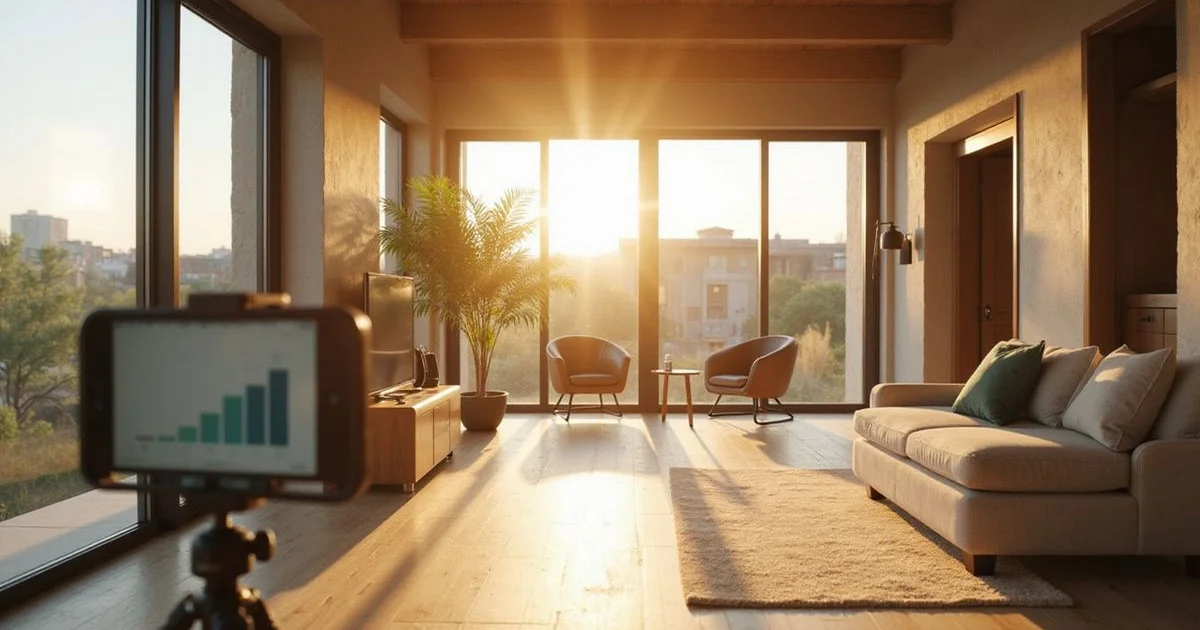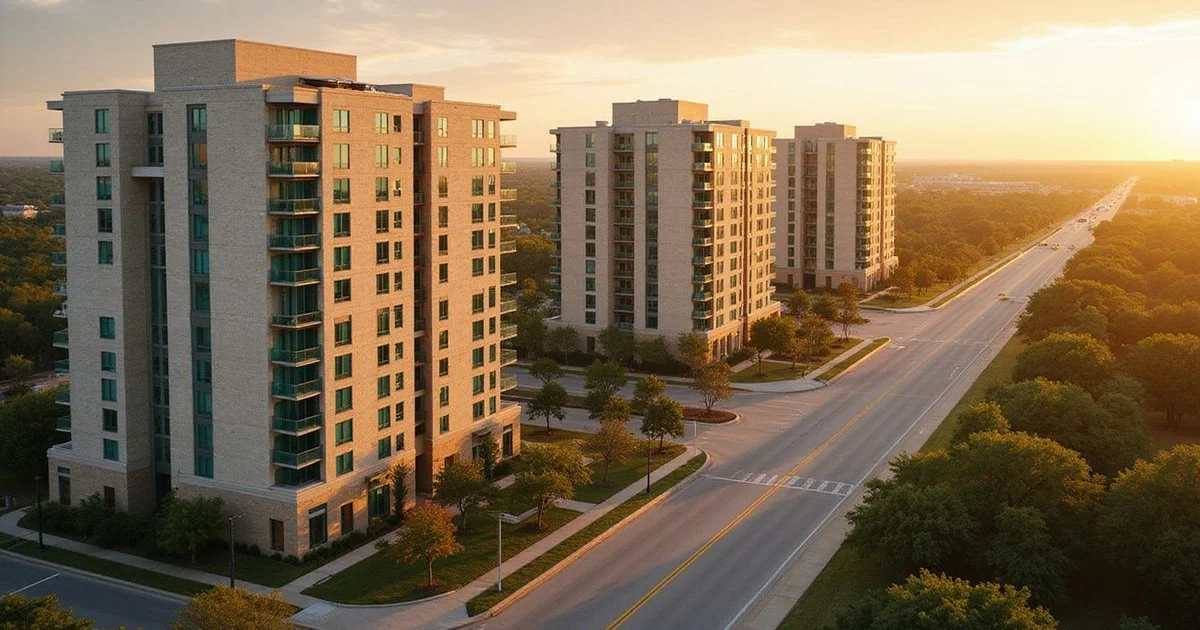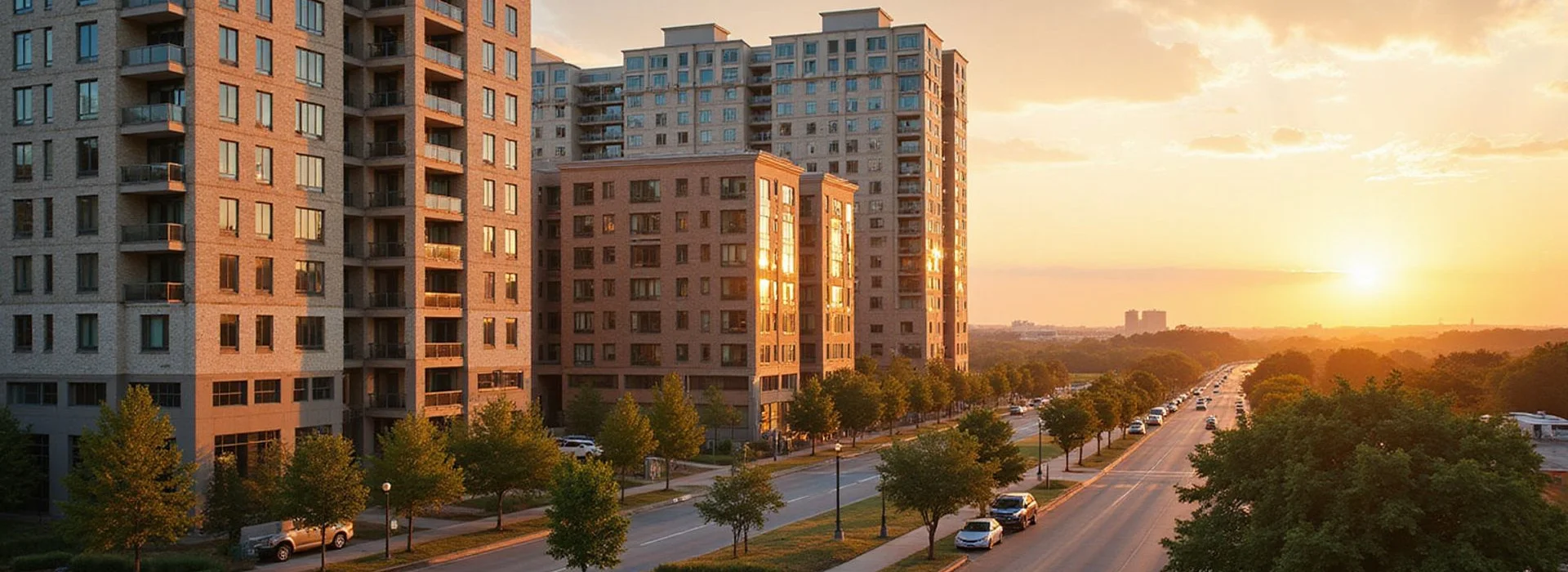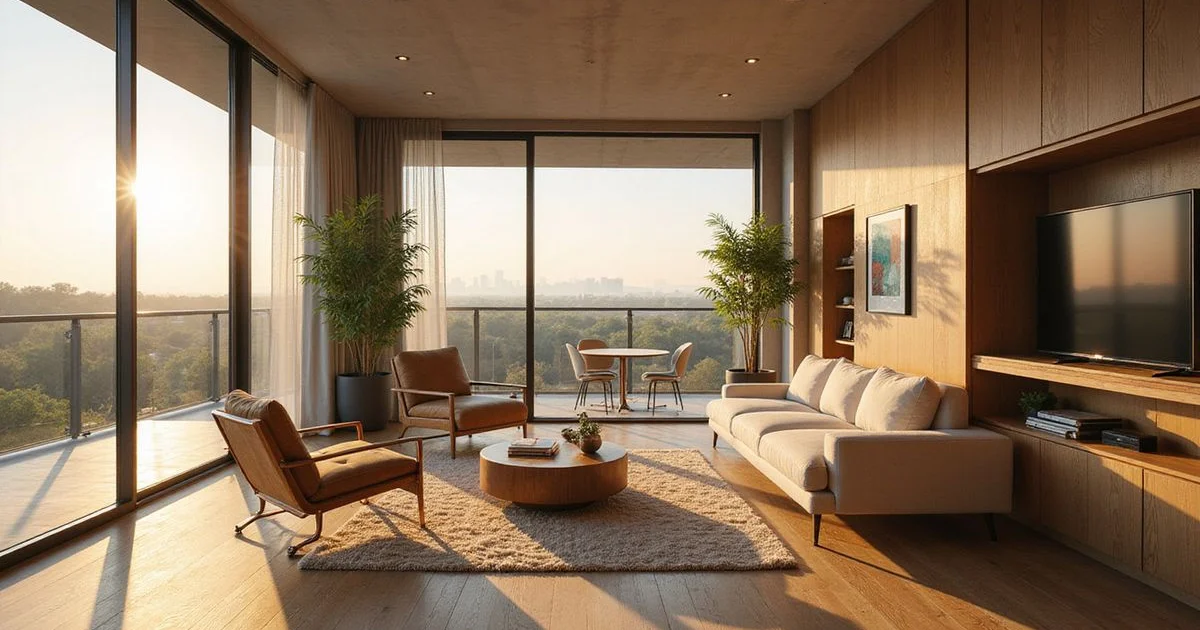
What’s the difference between a rendering, a model, and your unit?
A rendering is a computer image made before or during construction. A model unit is a finished, staged apartment the leasing office shows everyone. Your actual unit is the specific apartment, on a specific floor, facing a specific direction, that your lease names. On the New Build Board we label every rendering as a rendering, because the three can differ in ways that matter to you every day.
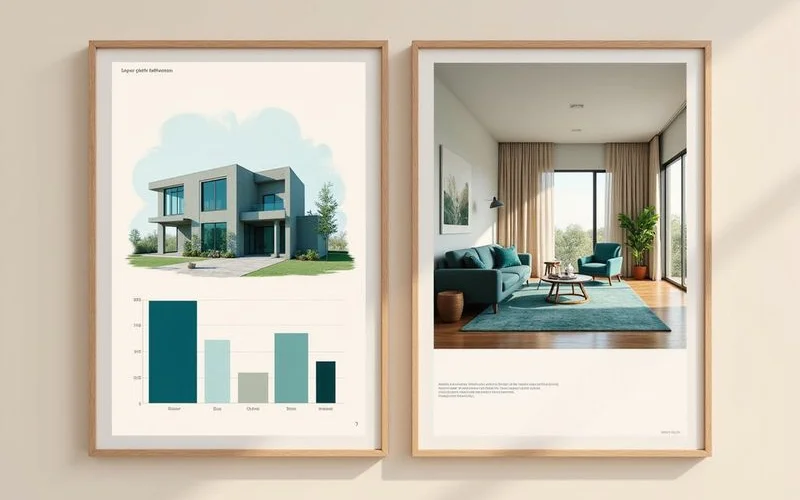
Where renderings and real units differ
| Feature | Rendering or model | Your actual unit |
|---|---|---|
| View | Ideal angle, often from a top floor | What’s outside your window, which may be a garage or a future phase |
| Floor height | Often shown from upper floors | Your floor, with its own light and noise |
| Orientation | Soft, even light | West-facing glass gets afternoon sun and heat |
| Finish package | Sometimes the upgraded package | Standard or upgraded, per your floor plan’s tier |
| Furniture | Scaled to make rooms look larger | Your furniture in the real dimensions |
| Surroundings | Landscaping mature, phases complete | Young trees, construction possibly next door |
None of this means a listing is dishonest. Renderings are made before buildings exist. But you’re leasing the real unit, so that’s what you should see.
What it means for you
Two units with the same floor plan and rent can feel very different. The view, the floor, and the direction the windows face often matter more than the finish package.
What to ask for before you sign
- The actual unit number. Not “a unit like this one.”
- The floor plan with dimensions, so you can check your furniture.
- Photos or video of that unit, including the view from each window.
- The finish package for that unit: flooring, counters, appliances.
- What’s being built next door, and the construction noise hours.
- Which direction the windows face, especially in summer.
How a live video walk helps
If you can’t tour in person, a live video walk is the next best thing. Unlike a recorded tour of the model, it’s the unit you’d lease, in real time, and you can ask to see what matters to you:
- Open closets and appliances
- Look out every window
- Check water pressure and how fast hot water arrives
- Listen for hallway, elevator, or street noise
We run live video walks for renters relocating from out of town, and the steps for signing remotely are in our guide on leasing sight unseen.
Pre-leasing: when there’s no unit yet
In pre-leasing, you may sign before your unit is finished. In that case:
- Ask for the floor plan, the unit’s location on the site plan, and the finish package in writing.
- Ask what happens if the unit doesn’t match, or if a different unit is offered.
- If a hard-hat tour is available, take it.
Our guide on how pre-leasing works covers holding deposits and delays.
How we handle images
On our board, renderings are labeled. Community photos appear only with permission and credit. Illustrative photos are marked as illustrative. When we send a shortlist, we tell you which images show the actual unit and which don’t, so you can compare new apartment buildings on what’s real.
If you’d like to see the real unit before you decide, book a live video walk and we’ll schedule it once the community confirms the unit is ready to show.